# 拯救老旧 Discuz 的 Flash 上传
- Link: https://www.ixiqin.com/2021/01/14/to-save-the-old-discuz-flash-upload/
- Published: 2021-01-14T22:37:50+08:00
- Author: 白宦成
文章目录
[Toggle](https://www.ixiqin.com/2021/01/14/to-save-the-old-discuz-flash-upload/#)
* [实现路线](https://www.ixiqin.com/2021/01/14/to-save-the-old-discuz-flash-upload/#%e5%ae%9e%e7%8e%b0%e8%b7%af%e7%ba%bf)
* [样例代码](https://www.ixiqin.com/2021/01/14/to-save-the-old-discuz-flash-upload/#%e6%a0%b7%e4%be%8b%e4%bb%a3%e7%a0%81)
* [总结](https://www.ixiqin.com/2021/01/14/to-save-the-old-discuz-flash-upload/#%e6%80%bb%e7%bb%93)
Discuz 目前依旧是一个非常重要的建站程序,不少老的站点依旧会使用 Discuz 上运转。
由于 Discuz 是一个多年的程序,所以在系统的设计上,有很多地方充满了对老旧系统的兼容。
比如,Discuz 的上传使用的是 Flash 上传,但在 2021 年,Flash 已经彻底停止使用了,
这个时候你就需要使用自己的方式来进行上传。
这里我以 Linux 中国进行的相关改造为例来介绍。
Linux 中国的文章发布系统就是基于 Discuz 实现的,编辑器层面使用的是 Discuz 提供的
TinyMCE,
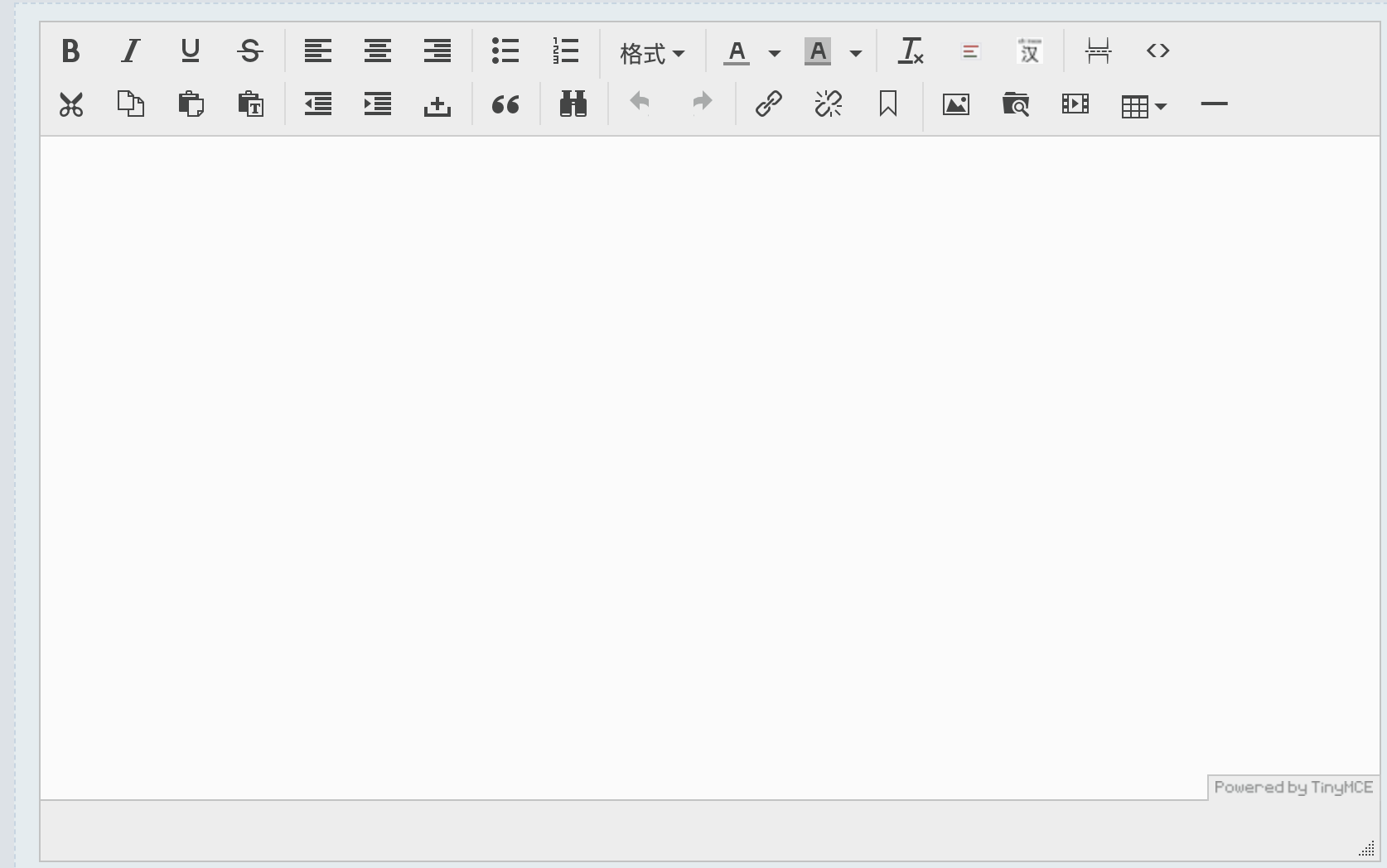
Discuz 提供了一个基于 Flash 的上传组件,但在2021 年,现在这个 Flash 按钮已经完全
显示不出来了。

这个时候,你就需要自己实现一套上传系统。
由于 Linux 中国的很多底层实现都是基于 Discuz 进行的,因此,此次改造希望继续沿用
Discuz 的系统。
## 实现路线
在对 Discuz 默认的 Flash 插件进行抓包后,很轻松的就找到了 Discuz 的 Flash 上传组
件的接口:`/misc.php?mod=swfupload&action=swfupload&operation=album`
这个接口接受 Form 表单作为参数,并在表单中接受一个 Hash 作为身份校验,用来判断请求
的合法性。
因此,只需要在 TinyMCE 自带的上传功能中加入相应的 Hash 和表单提交的能力,就可以将
Discuz 实现的上传功能改为用 TinyMCE 的原生组件实现。
而 Hash 可以通过分析得出,其算法为 `md5(substr(md5($_G['config']['security']['authkey']),
8).$_G['uid'])`
因此,需要做的便是,在页面中注入 Hash ,并在 TinyMCE 中调用此值,实现上传功能即可。
## 样例代码
在`html/template/default/portal/portalcp_article.htm` 文件顶部加入如下代码,从而
在文章发布页面注入 hash
```javascript
<script type="text/javascript">var FORMHASH = "{$swf_hash}"script>
Code language: JavaScript (javascript)
```
在 `html/static/js/editor_tinymce.js` 中的 tinyMCE 配置中添加如下配置项目,即可调
用 HASH 来上传文件。从而实现文件的上传。
```javascript
images_upload_url: "/misc.php?mod=swfupload&action=swfupload&operation=album",
images_upload_credentials: true,
images_upload_handler:function(blobInfo, success, failure, progress) {
var xhr, formData;
xhr = new XMLHttpRequest();
xhr.withCredentials = true;
xhr.open('POST', '/misc.php?mod=swfupload&action=swfupload&operation=album');
xhr.upload.onprogress = function(e) {
progress(e.loaded / e.total * 100);
};
xhr.onload = function() {
var json;
if (xhr.status === 403) {
failure('HTTP Error: ' + xhr.status, {
remove: true
});
return;
}
if (xhr.status < 200 || xhr.status >= 300) {
failure('HTTP Error: ' + xhr.status);
return;
}
json = JSON.parse(xhr.responseText);
if (!json || typeof json.bigimg != 'string') {
failure('Invalid JSON: ' + xhr.responseText);
return;
}
success(json.bigimg);
};
xhr.onerror = function() {
failure('Image upload failed due to a XHR Transport error. Code: ' + xhr.status);
};
filenameArray = blobInfo.filename().split(".");
formData = new FormData();
formData.append('Filedata', blobInfo.blob(), blobInfo.filename());
formData.append('Filename',blobInfo.filename() );
formData.append('type','image');
formData.append('Upload','Submit Query');
formData.append('uid',discuz_uid);
formData.append('filetype',"." +filenameArray[filenameArray.length-1]);
formData.append('hash',FORMHASH);
xhr.send(formData);
},
file_picker_callback: function(cb, value, meta) {
var input = document.createElement('input');
input.setAttribute('type', 'file');
input.setAttribute('accept', 'image/*');
input.onchange = function() {
var file = this.files[0];
var reader = new FileReader();
reader.onload = function() {
var id = 'blobid' + (new Date()).getTime();
var blobCache = tinymce.activeEditor.editorUpload.blobCache;
var base64 = reader.result.split(',')[1];
var blobInfo = blobCache.create(id, file, base64);
blobCache.add(blobInfo);
cb(blobInfo.blobUri(), {
title: file.name
});
};
reader.readAsDataURL(file);
};
input.click();
},
Code language: JavaScript (javascript)
```
## 总结
老旧系统的升级改造不可怕,只要你用心,从业务的底层抽丝剥茧,就能找到要解决的问题。
剩下,不过是代码层间的问题罢了。